Blog Details
Zoom & Client Presentation Methods: A Practical Guide to Professional Design Presentations
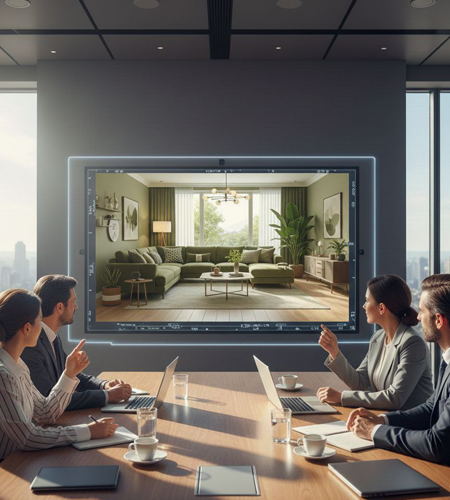
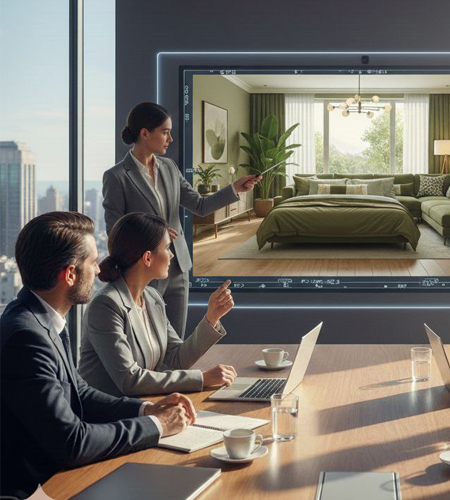
The Role of Zoom in Design Presentations
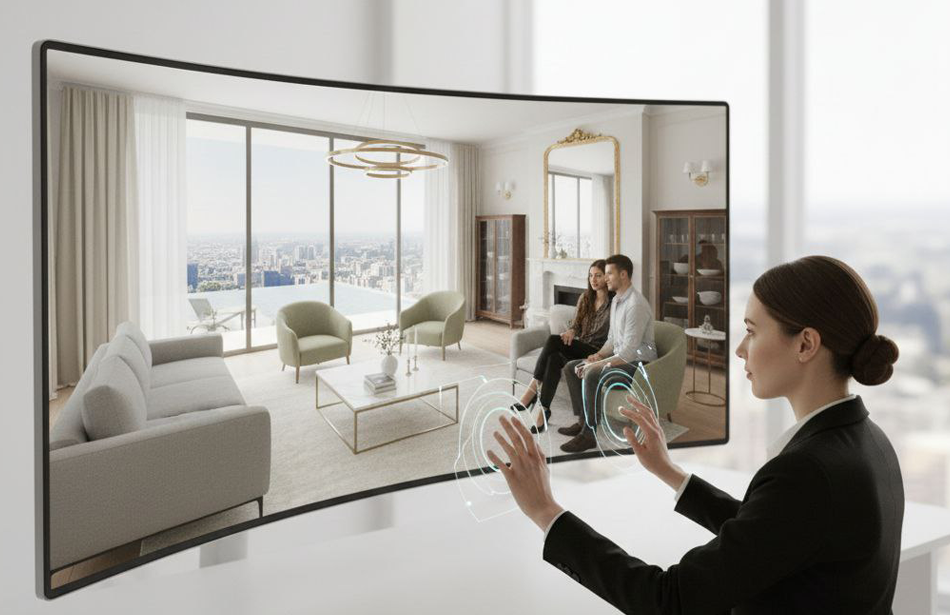
Zoom and digital presentation tools have become an important part of modern interior design, architectural visualization, and remote client communication. Designers can present concepts, review visualizations, explain design decisions, and receive feedback without requiring an in-person meeting.
A well-structured online presentation can make realistic renders, floor plans, material selections, furniture layouts, and before-and-after concepts easier for clients to understand.
For virtual design services, effective presentation is especially important because the client experiences the project entirely through digital communication.

Preparing Visual Materials Before the Meeting
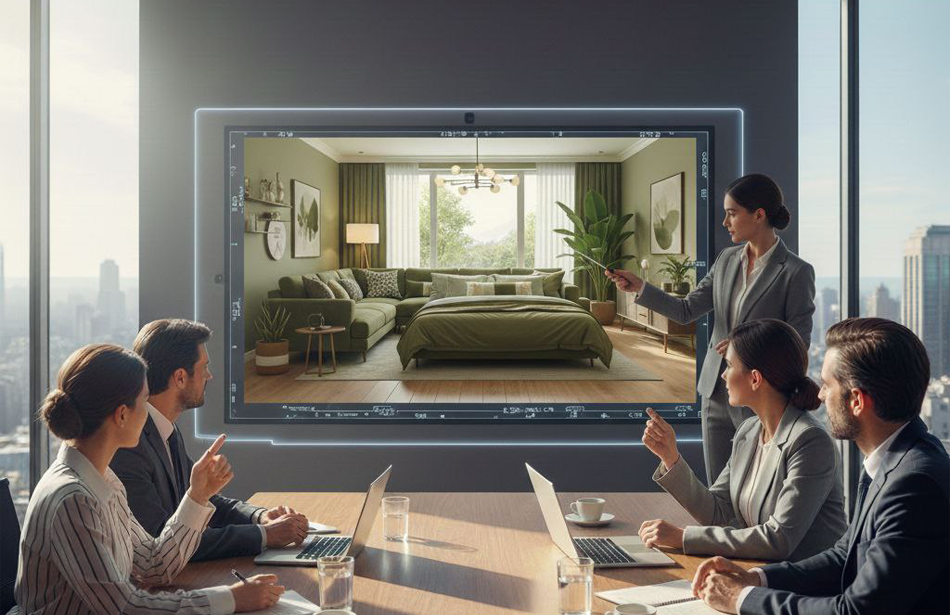
A successful client presentation begins with organized visual materials. The presentation should contain the most important project information in a logical order.
Useful presentation materials include:
- 3D interior renders
- Exterior visualizations
- 3D floor plans
- Before-and-after images
- Material and color selections
- Furniture layouts
- Lighting concepts
- 360° panoramas
- Landscape visualizations
- Reference images
Preparing these materials in advance helps keep the meeting focused and professional.
Organizing the Presentation Flow
A clear presentation structure makes it easier for clients to follow the design concept.
A typical presentation can include:
- Project overview
- Design concept
- Floor plan or spatial layout
- Main interior or exterior views
- Materials and finishes
- Furniture and styling
- Lighting
- Alternative options
- Client feedback
- Final revisions and next steps
The presentation should gradually move from the overall concept toward specific design details.
Screen Sharing and Visual Communication
Screen sharing allows designers to present renders, plans, mood boards, and other project materials directly during the meeting.
For better visual communication:
- Use high-resolution images.
- Keep unnecessary browser windows closed.
- Present one visual at a time when discussing important details.
- Zoom into architectural and material details when necessary.
- Use consistent image sizes and presentation layouts.
- Avoid switching between unrelated files.
A clean screen-sharing experience creates a more professional impression and reduces distractions.
Presenting 3D Interior and Exterior Renders
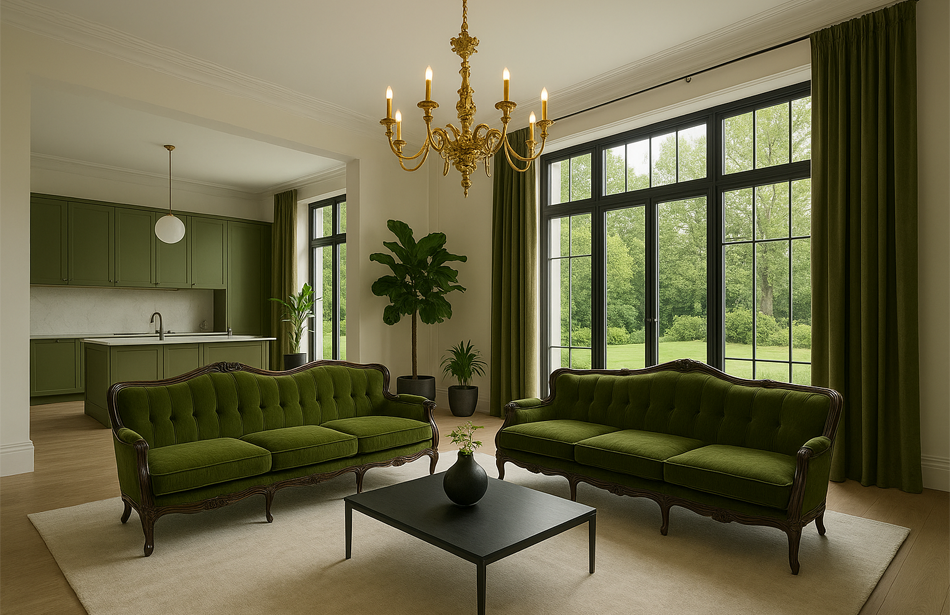
Realistic renders should be presented in a way that communicates both the overall design and individual details.
Interior presentations can focus on:
- Furniture arrangement
- Color palette
- Materials
- Lighting
- Decorative elements
- Architectural details
- Spatial proportions
Exterior presentations can focus on:
- Building appearance
- Facade materials
- Windows and doors
- Landscaping
- Outdoor living areas
- Lighting
- Overall architectural character
Multiple views can help clients understand how the design works from different perspectives.
Using Before and After Comparisons
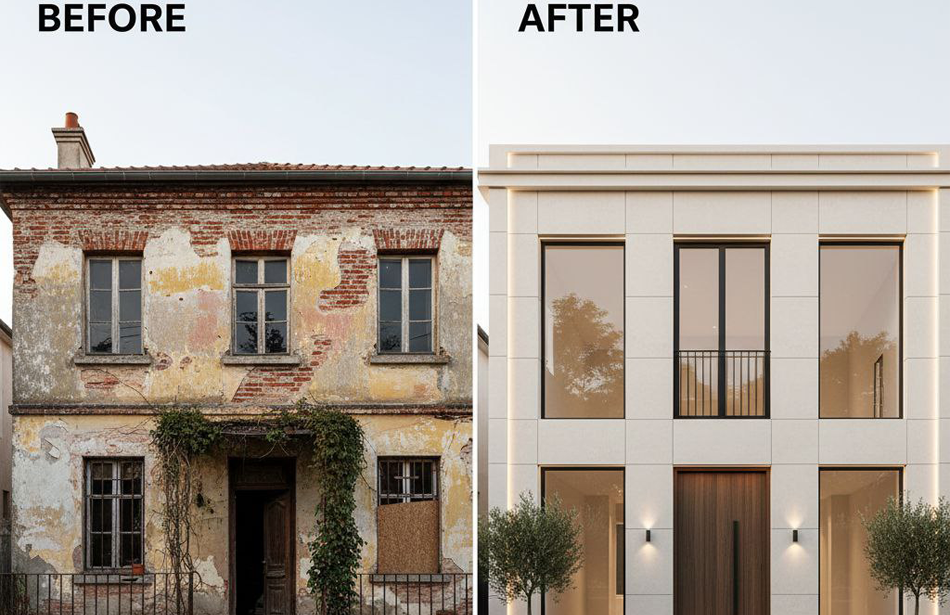
Before-and-after visualization is one of the most effective presentation methods for remodeling projects.
The original property image can be shown alongside the proposed visualization to demonstrate changes in:
- Layout
- Furniture
- Wall finishes
- Flooring
- Cabinetry
- Lighting
- Exterior materials
- Landscaping
- Decorative elements
This comparison makes the transformation easier to understand and helps clients connect the proposed design with their existing property.
Presenting Materials and Finishes
Material selection can be difficult to evaluate through isolated samples. Showing materials inside a realistic 3D environment provides better context.
Presentations can demonstrate:
- Flooring
- Wall finishes
- Countertops
- Cabinet materials
- Wood tones
- Stone
- Tile
- Metal finishes
- Fabrics
- Paint colors
Lighting should also be considered because the same material can appear significantly different under natural and artificial lighting.
Using 360° and Interactive Presentations
360° panoramas provide a more immersive way to present interior and exterior spaces.
Clients can explore the visualization from different directions and examine relationships between rooms, furniture, materials, and architectural elements.
Interactive presentations can be particularly useful for:
- Large residential projects
- Luxury properties
- Real estate presentations
- Interior remodeling
- Architectural concepts
- Client approvals
This approach gives clients a stronger sense of spatial relationships than a single static image.
Client Feedback and Revision Management
Client feedback should be collected in an organized manner during and after the presentation.
Useful feedback categories include:
- Layout changes
- Furniture preferences
- Color adjustments
- Material changes
- Lighting preferences
- Styling changes
- Additional visualization requirements
Keeping feedback structured reduces misunderstandings and makes revision stages more efficient.
Presentation Methods for Different Clients
Different clients may require different presentation approaches.
Homeowners
Homeowners generally benefit from clear visual comparisons, realistic renders, material examples, and simple explanations of design decisions.
Interior Designers and Architects
Professional clients may require more technical information, including dimensions, material specifications, camera views, layouts, and detailed design references.
Real Estate Professionals
Real estate presentations usually focus on visual impact, property potential, furniture styling, exterior appearance, and marketing-ready images.
Developers and Investors
Developers and investors can benefit from consistent visual packages that communicate the project's overall appearance, functionality, and market potential.
Common Client Presentation Mistakes
Several issues can reduce the effectiveness of an online design presentation:
- Showing too many images at once
- Using low-resolution visuals
- Presenting an unclear design concept
- Failing to explain major design decisions
- Ignoring client feedback
- Spending too much time on minor details
- Using inconsistent visual styles
- Poor screen-sharing quality
- Unorganized project files
- Making unnecessary changes during the meeting
A professional presentation should remain focused on the client's goals and the project's most important decisions.
Creating a Professional Digital Presentation Package
A complete digital presentation can combine several visualization formats into one organized package.
A project package may include:
- Concept overview
- Floor plan
- Main 3D renders
- Material palette
- Furniture selections
- Lighting visualization
- Before-and-after comparisons
- 360° panorama
- Final presentation images
Combining different visualization methods gives clients a more complete understanding of the proposed design.
Zoom & Client Presentation with Renderly Design
Renderly Design uses realistic visualization to help clients understand interior, exterior, remodeling, and property presentation concepts remotely.
Depending on the project, the presentation can include realistic renders, floor plans, material visualization, before-and-after comparisons, landscape concepts, and 360° experiences.
Clients can provide property photos, measurements, floor plans, existing furniture information, material preferences, and design references. These details help create visual presentations that reflect the project's specific requirements.
The goal is to make design decisions easier to understand before physical changes begin.
Final Thoughts
Effective Zoom and client presentation methods turn digital design work into a clear and engaging client experience.
High-quality renders become more valuable when they are supported by organized presentation materials, clear explanations, before-and-after comparisons, material visualization, and interactive experiences.
A professional digital presentation helps clients understand the design, provide useful feedback, and move confidently toward the next stage of the project.
Present the design clearly. Communicate the vision. Make better decisions together.
Frequently Asked Questions
Find answers to the most common questions about this topic.